Shopware 6.7 Plugin
CWS External Sync API Pro
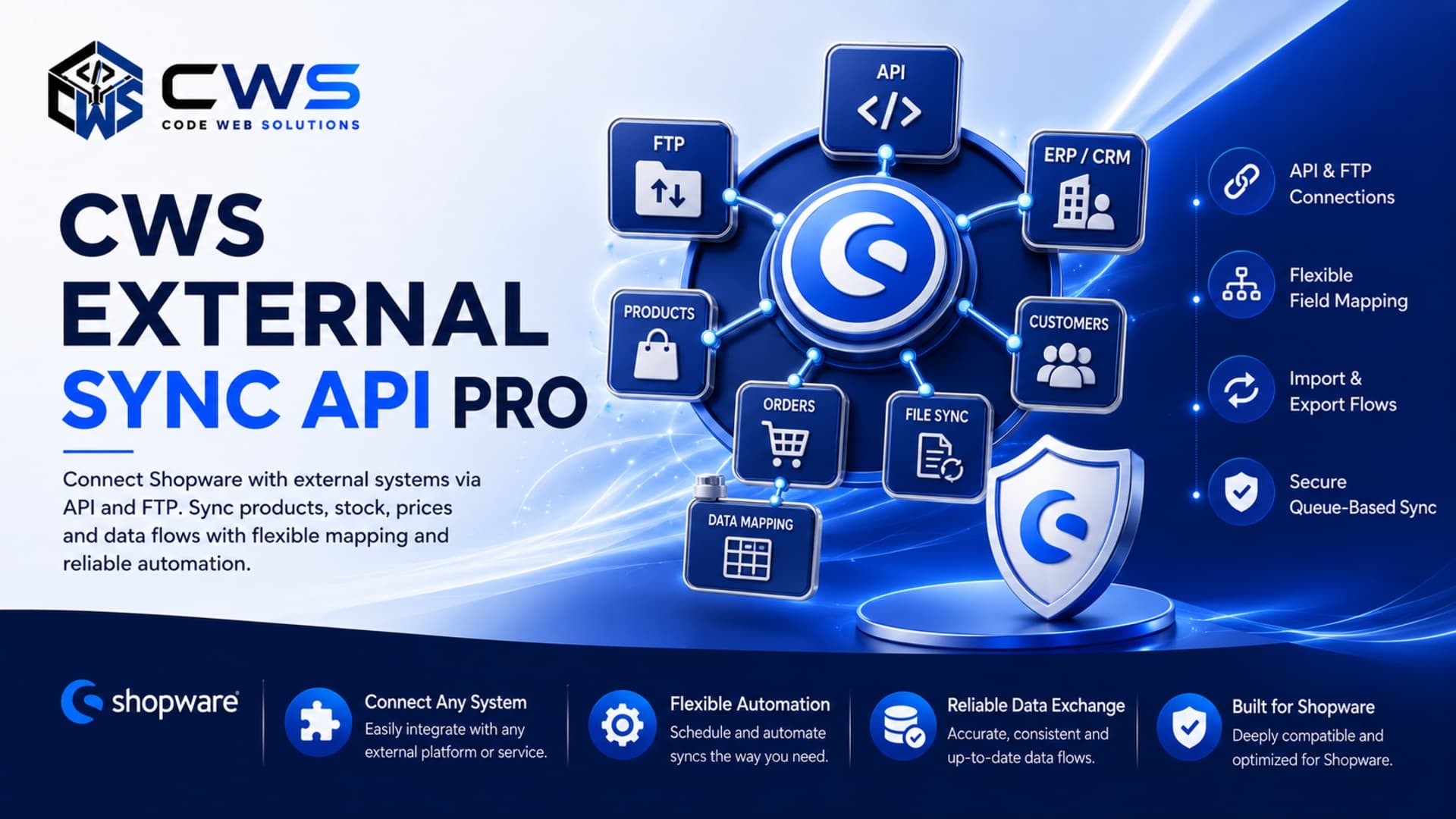
Secure API and file-based synchronization for Shopware stock, prices and product data. Support for SFTP, FTP, CSV, JSON, and XML with queue processing and retry logic.
REST API & SFTP/FTP file importsCSV, JSON, XML supportQueue processing with retry logic
Integration
Two Integration Paths
Choose the method that fits your infrastructure
Real-time
REST API
Direct synchronization via HTTP requests with Bearer token authentication.
- Bearer token authentication
- 1000 requests per hour
- Dry-run for safe testing
- Idempotency support
Batch
File Sync
Scheduled batch processing via secure file transfer with format flexibility.
- SFTP (recommended)
- FTPS & FTP support
- CSV, JSON, XML formats
- Scheduled imports
Features
CWS External Sync API Pro at a glance
Simple incoming REST API without complex Shopware Admin API knowledge
SFTP, FTPS, FTP file imports with scheduling
CSV, JSON, XML file format support
Stock and price updates with dry-run testing
Queue-based processing with automatic retry
Comprehensive logging and error tracking
Secure API tokens with IP allowlist
OpenAPI documentation and Postman collection
Code examples for cURL, PHP, Node.js, Python, .NET, Java
Idempotency keys to prevent duplicate imports
Ideal For
Where this extension fits best
ERP and warehouse system integrations
PIM synchronization workflows
Custom backend system connectors
Shopware agencies building integrations
Merchants automating stock/price updates
Documentation
Developer Documentation
Everything you need to integrate successfully
Getting Started
Installation, setup, queue worker, and first API call
API Reference
Complete REST API documentation and endpoints
File Synchronization
SFTP, FTPS, and FTP protocol configuration
Data Mapping
Field reference and product identifier guide
Security
Authentication, tokens, and production checklist
Code Examples
Samples in cURL, PHP, Node.js, Python, .NET
FAQ
Frequently asked questions and capabilities
Troubleshooting
Common issues and diagnostic solutions
Error Codes
Complete error reference and retry guidance
Configuration
Plugin settings and administration guide
Changelog
Version history and release notes
Get Started
Ready to integrate your ERP?
Start with the documentation or contact CWS for integration support tailored to your system.